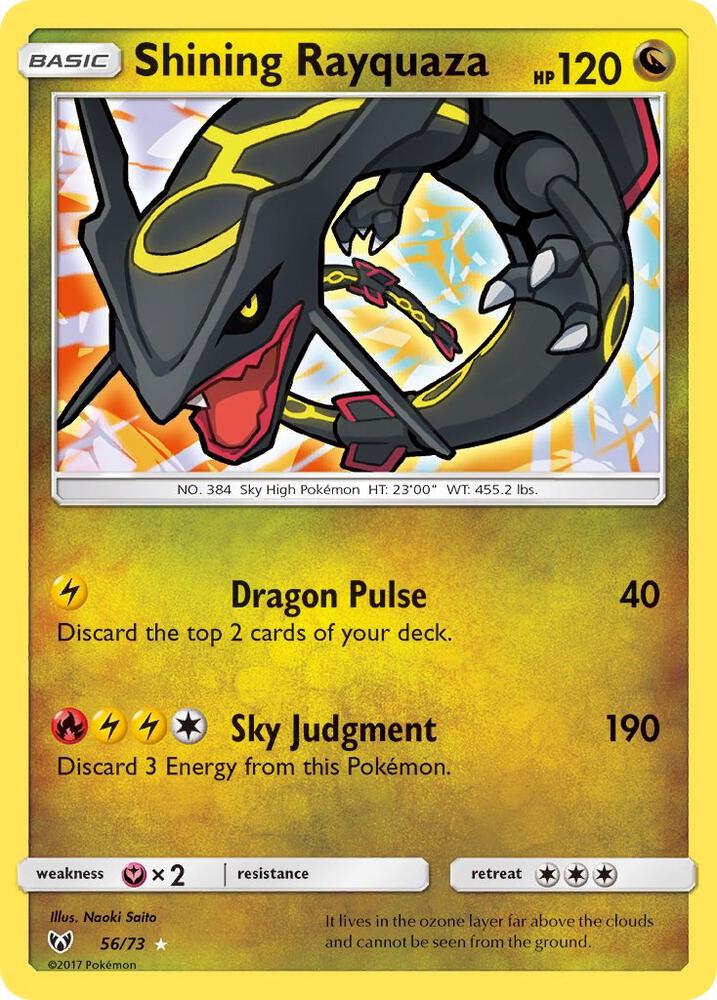
Manage cards and sealed products across the games you sell. Pro users get fast product lookup and market pricing, with Dynamic Pricing available to keep asking prices aligned as the market moves.

Pro: Add supported cards and sealed products with market pricing.
Cash, Venmo, Zelle, trades, table fees, binder buys, sales tax, and cost basis all blur together after a show. VendorStax keeps the business side connected while you sell.
VendorStax connects each sale back to the card, the cost, the show, and the report, so every event gives you clearer decisions for the next one.
Know what you own, what you paid, what needs pricing, and what should come with you before the show starts.
Log sales, buys, trades, tax, customer interest, and show activity while the deal is still in front of you.
See what sold, what sat, what made money, and which decisions should change before your next event or shop day.
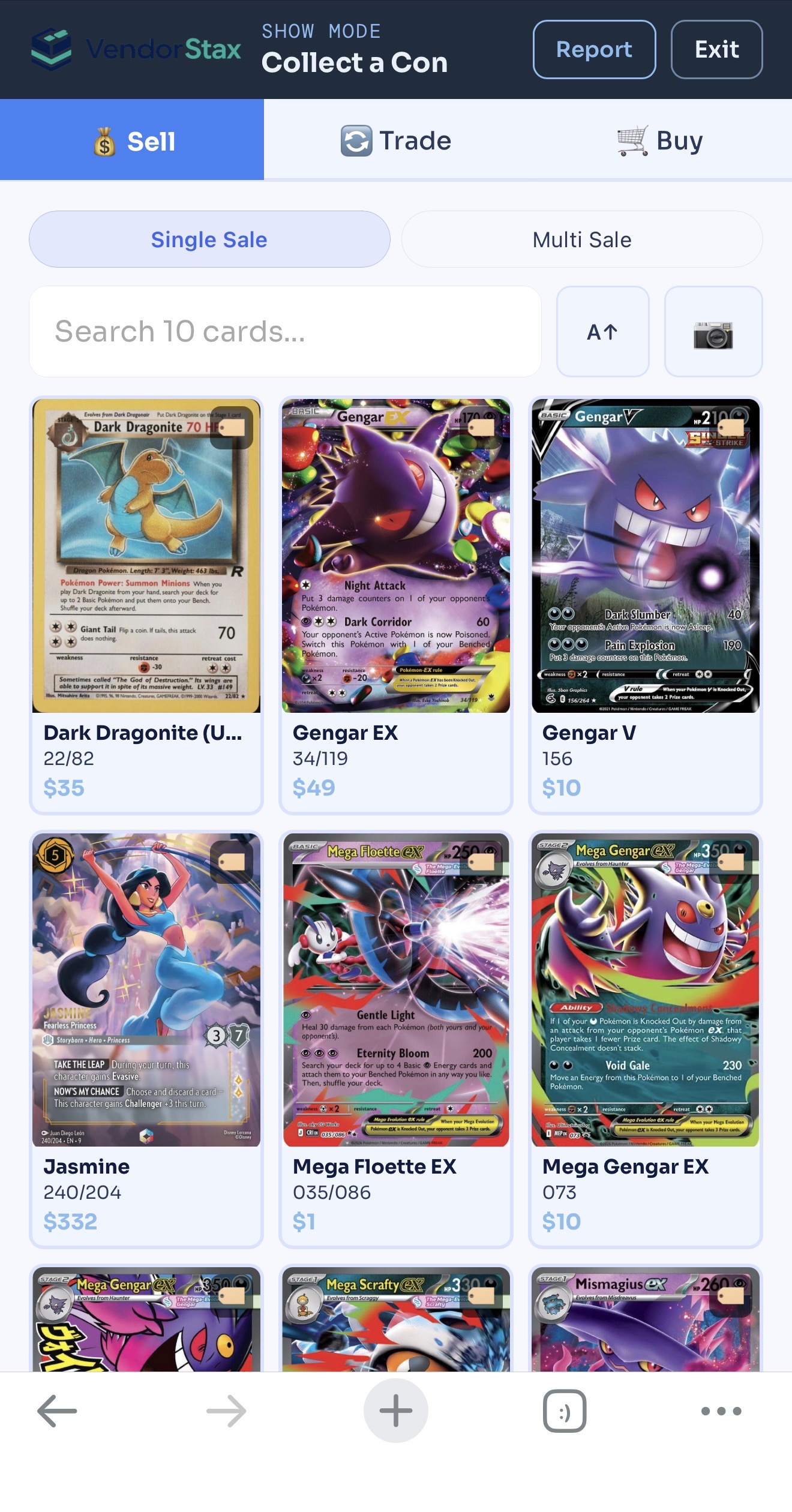
Show Mode helps you record sales, buys, trades, tax, and expenses while the show is happening, so you are not rebuilding the day from memory later.

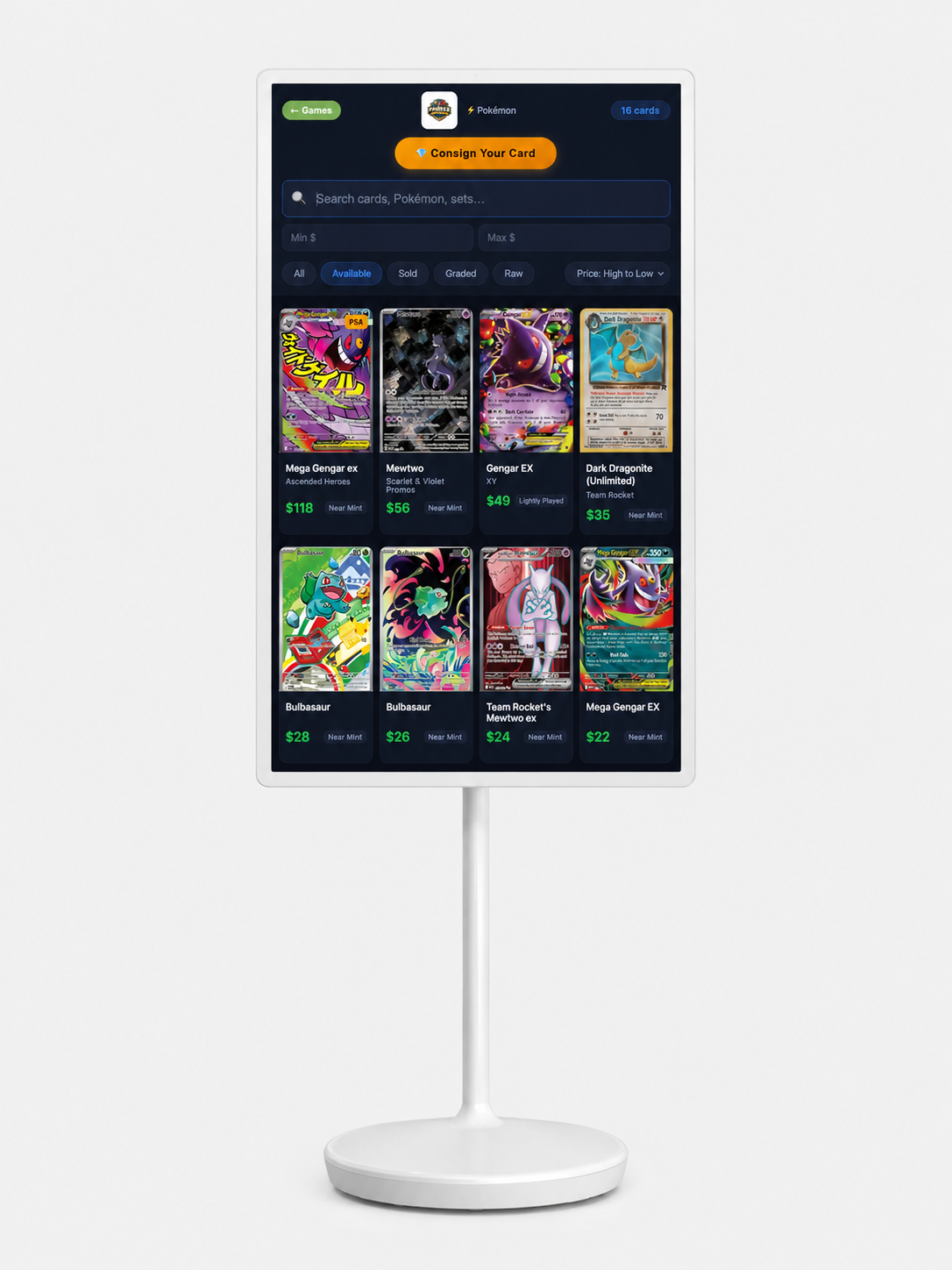
Shop Mode turns your inventory into a self-service kiosk so customers can browse cards, reserve multiple items, receive an order number, and let staff pull the order when ready.
Give repeat buyers a simple way to claim cards while VendorStax captures the request, the buyer, and the follow-up in one place.
VendorStax Deal Board gives card vendors a place to source inventory, move cards, and connect with other vendors before the next event.
Anyone can post a Wanted Item or browse what other vendors are looking for, free or Pro. Pro members can also list cards for sale and message directly about any listing.
Add cards and sealed products faster, pull current market pricing, automate asking-price updates, separate tax from revenue, and understand the work that happens before and after each sale.
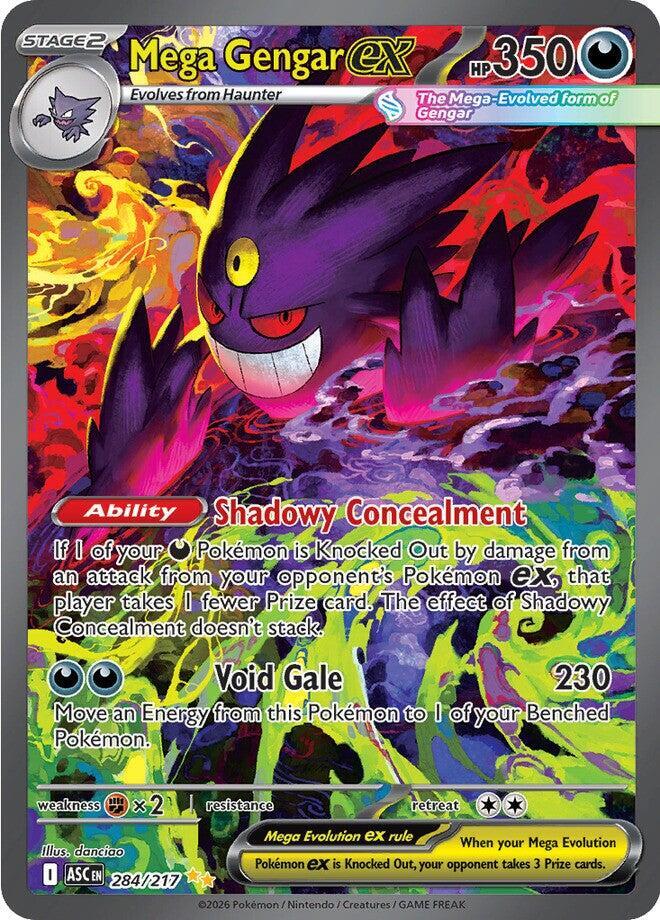
Pro users can search and add supported cards or sealed products with market pricing. Pair that data with Dynamic Pricing to automatically adjust List Price using your strategy, guardrails, and manual review ceilings.
Protect key cards from automated changes when scarcity, show demand, or your own strategy matters more than a simple reference price.
Understand the difference between raw and graded value faster, so slabs are easier to price, buy, and explain at the table.
Price the actual card in your hand, not a blended average that ignores condition and creates awkward buyer conversations.
Enterprise helps multi-location shops organize inventory by store and show where a card physically lives, such as a display case, binder, or shelf.
Enterprise lets Kiosk Mode shoppers request a card you do not have in stock, with every request saved automatically under CRM → Requests.
Let people help without exposing the whole business. Staff can work the table or shop while sensitive reports, CRM, and settings stay protected.
Give shops a cleaner bridge between show activity and their POS so sold, unsold, and carried-forward inventory is easier to clean up.
Separate what you earned from what you collected. Track tax in Show Mode, Shop Mode, and manual sales, then review it in your Sales & Tax Summary.
Manage larger inventories without touching every record one by one, so your public listings and internal records stay cleaner.
Pro adds faster inventory workflows and market pricing. Enterprise is built for card shops that need multi-location inventory, a fuller CRM, category-specific pricing, and advanced Kiosk Mode controls.
Start organizing inventory, lots, shows, and basic selling activity without adding another spreadsheet.
For vendors and shops that need faster inventory entry, market pricing for cards and sealed products, team access, Shop Mode, tax summaries, and better control over daily operations.
For card shops and multi-location operations that need centralized inventory, richer customer records, and more control over pricing and Kiosk Mode.
Create your account, add your first cards, and bring clearer numbers to your next show, shop day, or sale.