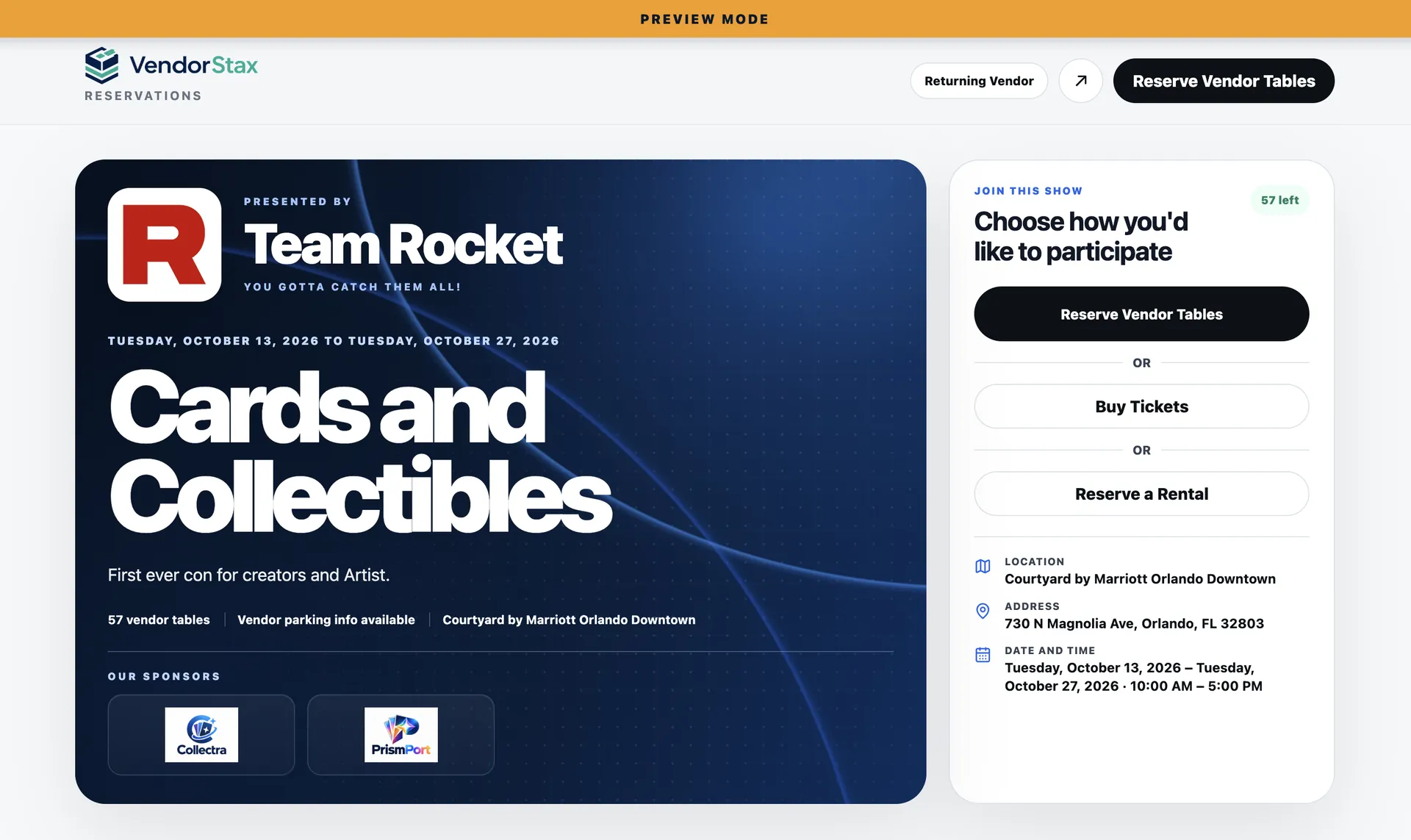
Show Creation

Build the show once. Let everything else connect to it.

Start with the event details your team actually needs: venue, dates, booking window, access rules, payment settings, and show policies. VendorStax keeps those decisions attached to the same show instead of scattering setup across forms, spreadsheets, and inboxes.

One show record Reusable settings Team-ready setup
Show Setup Overview images/show-creation-overview.webp Ideal image size: 1600 × 1000 px Recommended aspect ratio: 16:10
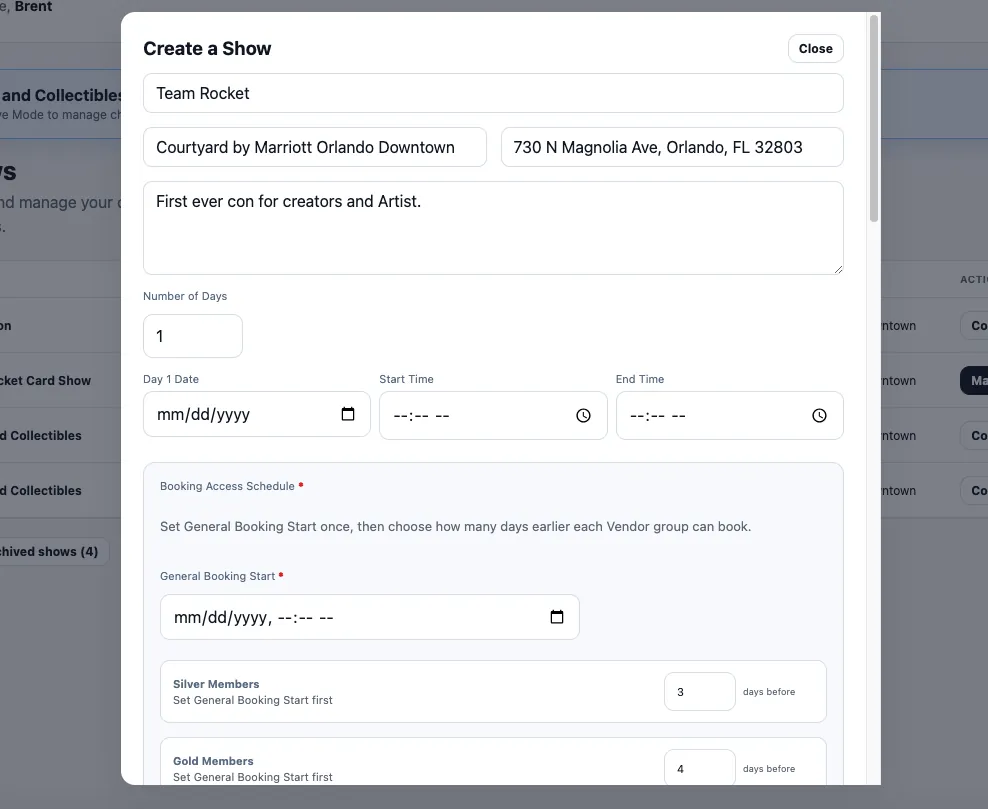
VendorStax show creation interface
Ultimate Collectibles ShowDraft
Date & Venue
Booking
Payments
Venue saved
Booking opens Nov 1
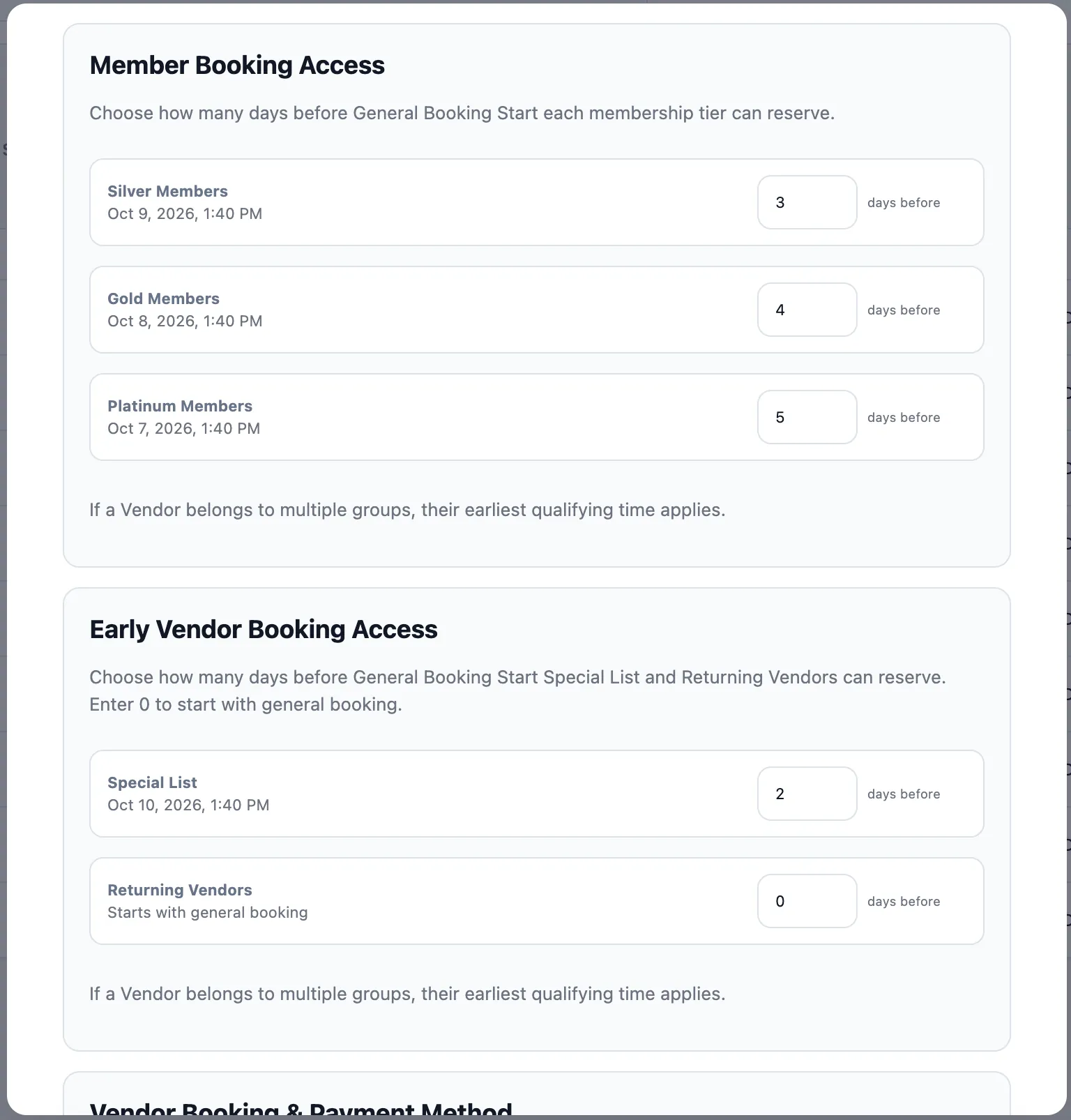
Show Rules & Booking Controls images/show-creation-rules.webp Ideal image size: 1600 × 1000 px Recommended aspect ratio: 16:10
VendorStax show settings and booking controls
✓Booking methodApproval Required
✓PaymentFull payment
✓Booking cutoff24 hours before show
✓Vendor agreementRequired
Ready for reviewRequired setup is complete
Set the rules before booking opens

Give the booking experience guardrails before the first vendor arrives.

Decide how vendors gain access, when booking opens and closes, whether approval is required, how deposits work, and which agreements must be accepted. Those settings become part of the event workflow instead of instructions your staff has to remember manually.

Instant Booking or Approval Required or Invite Only
Preview. Publish. Reuse.

Know what vendors will see before you open the doors to booking.

Preview the public event experience, verify space availability, confirm payment and policy settings, then publish when the show is ready. For repeat events, the setup becomes a starting point instead of a blank page every time.

1Create
2Configure
3Preview
✓Publish
Start with a show that is ready for everything connected to it.

Once the event foundation is in place, floor planning, reservations, vendor management, payments, and show-day operations can all work from the same record.

Explore Floor Planning
Preview & Publish images/show-creation-publish.webp Ideal image size: 1600 × 1000 px Recommended aspect ratio: 16:10
VendorStax event preview and publish screen
Show readiness4 of 4 complete
Public pagePreview
StatusReady to Publish
PublishedBooking page is live